
Table of Contents
What is The Wave Makerspace?
The Makerspace was established in the summer of 2019, alongside the Teen Room with LSTA grant and Town of Marshfield Funds. Some equipment in The Wave has been purchased with the support of LSTA grant and Ventress Memorial Library Trust funds. The Wave is a connected learning space, meaning we provide opportunities for patrons to explore creative interests and projects with our Makerspace tools as an informal community of engaged learners, tinkerers, and makers.
The Wave Makerspace is a workspace with various machines, tools, and technology to foster innovation, creativity, and promote community collaboration. The Makerspace is designed for patrons 11 years old and up, and those under the age of 16 must be accompanied by an adult. The space is available under the guidance of a trained teen volunteer or staff member during drop-in hours or by appointment. Come explore the possibilities and use the available equipment!
Updated October, 2026
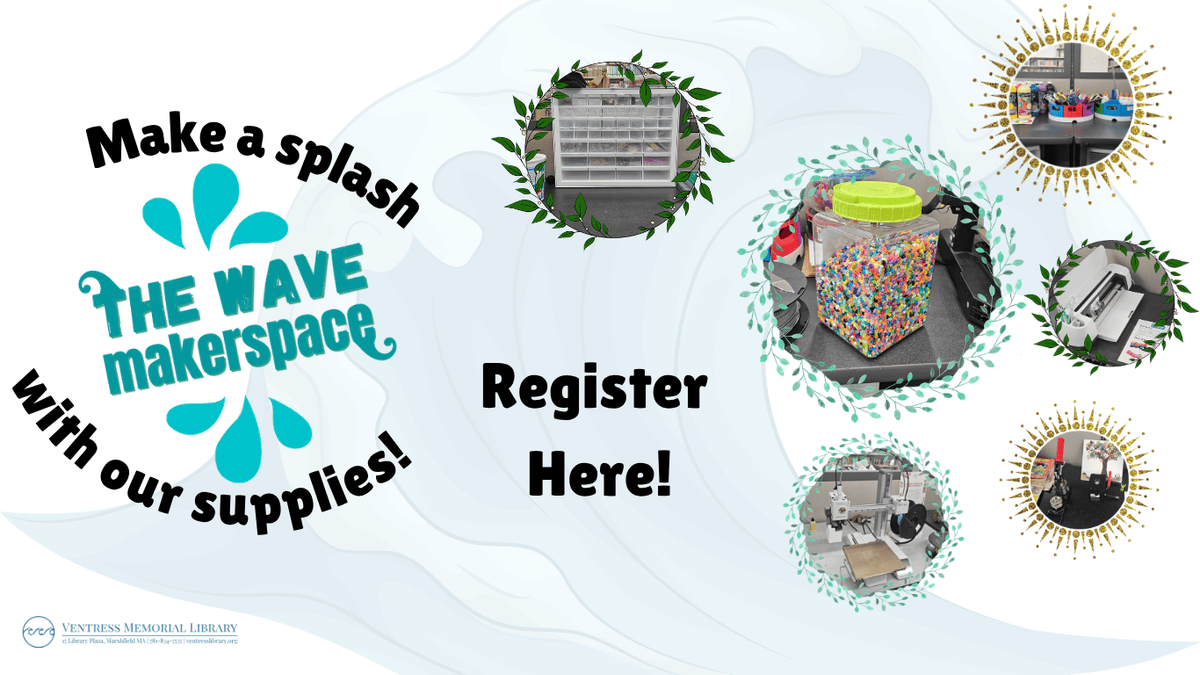
What can I do at The Wave Makerspace?
Use High End Maker Equipment
- Make something with our Bambu Lab A1 Mini, Ultimaker or Makerbot 3D printers. Submit requests using the 3D Printing Requests form.
Terms of use: patrons may only use this station with guidance from library staff or trained volunteers; patrons may design prints at home or in house and are limited to 125 grams of filament per month (this is including any supports printed); all prints will be on library-supplied PLA; the library cannot be held responsible for prints that do not work out; we will do our best to help you get the print you want, but ultimately, print efficacy is the patron’s responsibility; additionally, patrons may not print the following: weapons, weapons parts, obscene items, or items related to drug use.- patrons will be contacted when prints are complete using contact information provided by patron. - Spiffy up a t-shirt, tote bag, water bottle, and more with our Cricut machine or Cricut easy press SE (terms of use: patrons are limited to cutting up to one mat of library materials; patrons with specific projects in mind may bring their own materials to cut. Please keep in mind that materials are subject to staff approval; patrons may bring in items to use with adhesive vinyl and fabric (shirts, tote bags, etc.) for iron-ons in house — only staff may operate the iron and ironing board; we currently have iron-ons and adhesive vinyl for library materials)
- Record a podcast, edit a photo, and more on our iMac and iMac software (terms of use: patrons may not log into personal accounts and must save all files to a flash drive; patrons may not download programs or alter existing programs or defaults; patrons may not make any purchases and may use only the following approved programs on the main launchpad page: Adobe Acrobat, Adobe After Effects, Adobe Animate, Adobe Audition, Adobe DreamWeaver, Adobe Illustrator, Adobe InDesign, Adobe Media Encoder, Adobe Photoshop, Adobe Premier Rush, Blender, Calculator, Cricut Design Space, Color Palette, Final Cut Pro, GarageBand, Google Chrome, GoPro Player, iMovie, Keynote, Logic Pro, Numbers, Pages, Photos, Roblox Studio, Scratch 3, Ultimaker Cura, and Vectonerator)
Dabble in Other Hands-On Projects
- Play with our Robots
- Make with our Button Makers, Perler Beads, or Origami supplies!
- Put your knitting and crocheting skills to work with our large selection of yarn or borrow an embroidery hoop to do some stitching!
Make an appointment for The Wave Makerspace through our Room Booking form!